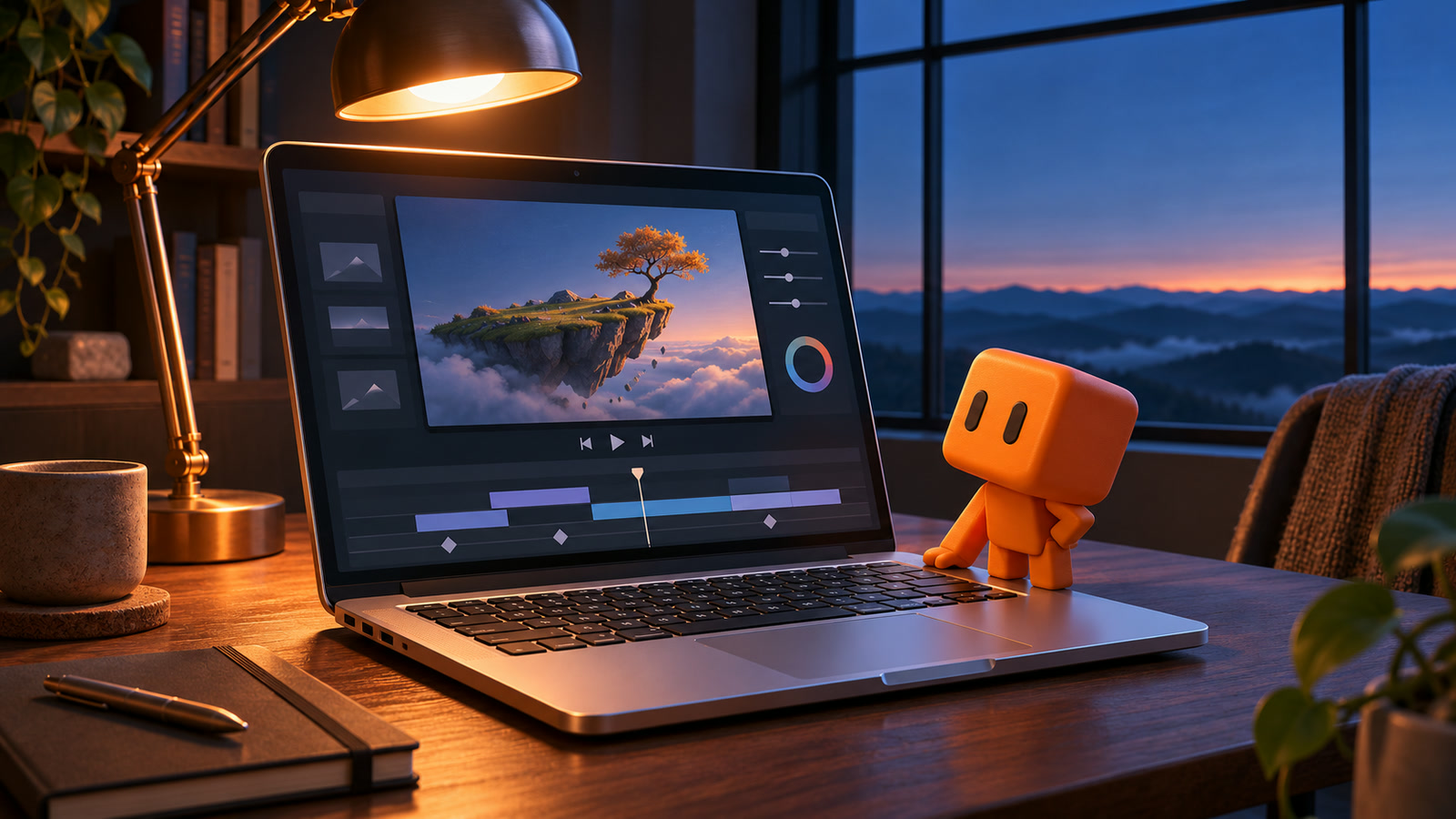
Cover illustration by RepoQuarry, inspired by The Edge.
▶ Watch Riley Brown’s 59-second film on X
The laptop in Riley Brown’s short film The Edge appears to be running Claude. Look closer and the keyboard is part of the trick. A letter appears on-screen, the matching 3D key drops, and the click lands on the same beat. All three read from the same timing data. That detail tells you more about how Brown’s experiment worked than the phrase “one shot.” Riley Brown’s original post and film · The Edge making-of
What Riley Brown made
Brown says he ran the experiment on a livestream. He gave Claude Fable 5.2 a single creative brief for an ad-style short with a laptop, close-ups of typing, a recurring appearance from Clawd and cloud rendering on RunPod. The 59-second film follows the laptop from golden hour to dawn. Clawd jumps onto Return to start the job, then falls asleep on the trackpad while the fictional app works. Brown’s making-of shows the prompt and breaks down the 13 shots. Anthropic announced Fable 5.2 on 9 November, the day Brown shared the film. Brown’s making-of · Anthropic’s announcement
The laptop screen was a website inside Blender
The project reconstructed the Claude interface as an HTML page. A headless browser exported a sequence of images, which Blender used as the laptop’s screen texture. A small Three.js world played inside the fake app’s preview pane. Blender scripts built the room, desk, lamp, laptop and Clawd, then animated the camera moves, lighting and physical key presses. The camera could aim at a specific area of the interface because the page reported where its elements were. The final pass added colour grading, titles and a score generated with ElevenLabs. Brown’s making-of
What the $5.75 covered
Brown’s technical notes put the 4K render at 51 minutes and 43 seconds across 10 rented RunPod GPUs, with $5.75 in render charges. Six of the first eight requested machines started, and four more were provisioned in a second batch. That figure covers the render described in the notes. The full elapsed production time and itemised model or audio costs were not reported there. The making-of also describes sub-agents handling parts of the work, including the interface and the Three.js scene. Brown’s rendering and pipeline notes
What’s worth borrowing
Start with the idea that made the keyboard shot work. Put the events that need to match in one small, editable file. Give the screen, the animation and the sound mix the same clock. A five-second prototype with one keystroke, one camera move and one sound cue would tell you whether the pieces line up before you pay for a full render. The same approach could help if you regularly make product demos and need to update a button label or swap in a new interface without recording the whole sequence again.
Film and experiment credit goes to Riley Brown. His original post has the film, and his technical sheets show the prompt, shot list and render breakdown. Watch Riley Brown’s film · Read the making-of